2025年12月13日
通过 Cloudflare API 实现 DDNS
运维部署 · Cloudflare · Shell
用一段 Shell 脚本定时更新 Cloudflare A 记录,让家庭宽带动态公网 IP 也能稳定访问内网服务。
对于家庭宽带用户,公网 IP 是动态的。想从外网访问家里的 NAS 或 Minecraft 服务器,必须用 DDNS。
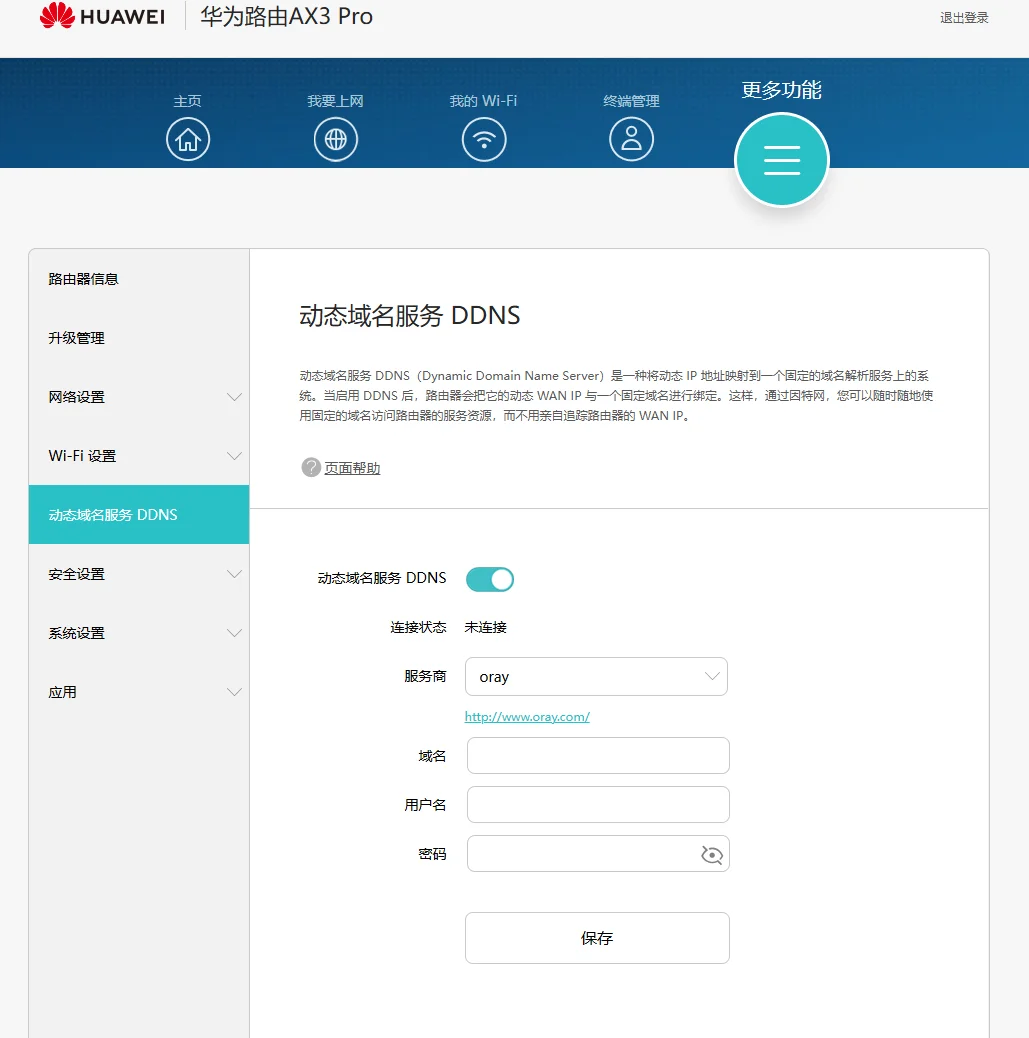
相比于花生壳等第三方服务,直接利用 Cloudflare 的 API 是最稳定、最快速的方案,而且完全免费。
准备工作
域名托管:确保你的域名 DNS 已托管在 Cloudflare。
添加记录:在后台添加一条 A 记录,IP 随意填,比如 1.1.1.1,小黄云设置关闭(仅DNS模式)。
获取 Key:打开 https://dash.cloudflare.com/profile/api-tokens 复制 Global API Key,替换到脚本中。
DDNS脚本
我们直接使用 Shell 脚本,无需安装任何额外依赖,复制即用。
新建文件 cf_ddns.sh:
#!/bin/bash

# ================= 配置区域 =================
# 你的 Cloudflare 注册邮箱
auth_email="your_email@example.com"
# 你的 Global API Key (通常为37位)
auth_key="your_global_api_key"
# 主域名
zone_name="your_domain.com"
# 需要更新的子域名
record_name="your_subdomain.your_domain.com"
# ===========================================

# 日志与缓存路径
ip_file="ip.txt"
id_file="cloudflare.ids"
log_file="cloudflare.log"

log() {
    echo -e "[$(date)] - $1" >> $log_file
}

# 1. 获取当前公网 IP
ip=$(curl -s http://ipv4.icanhazip.com)

# 2. 检查 IP 是否变化
if [ -f $ip_file ]; then
    old_ip=$(cat $ip_file)
    if [ "$ip" == "$old_ip" ]; then
        echo "IP 未改变: $ip"
        exit 0
    fi
fi

# 3. 获取 Zone ID 和 Record ID
# 优先读取缓存,如果文件不存在或行数不对则重新通过 API 获取
if [ -f $id_file ] && [ $(wc -l < $id_file) -eq 2 ]; then
    zone_identifier=$(sed -n '1p' $id_file)
    record_identifier=$(sed -n '2p' $id_file)
else
    # 获取 Zone ID
    zone_identifier=$(curl -s -X GET "https://api.cloudflare.com/client/v4/zones?name=$zone_name" \
        -H "X-Auth-Email: $auth_email" \
        -H "X-Auth-Key: $auth_key" \
        -H "Content-Type: application/json" | grep -o '"id":"[^"]*"' | head -1 | cut -d'"' -f4)

    # 获取 Record ID
    record_identifier=$(curl -s -X GET "https://api.cloudflare.com/client/v4/zones/$zone_identifier/dns_records?type=A&name=$record_name" \
        -H "X-Auth-Email: $auth_email" \
        -H "X-Auth-Key: $auth_key" \
        -H "Content-Type: application/json" | grep -o '"id":"[^"]*"' | head -1 | cut -d'"' -f4)

    echo "$zone_identifier" > $id_file
    echo "$record_identifier" >> $id_file
fi

# 4. 更新 DNS 记录
update=$(curl -s -X PATCH "https://api.cloudflare.com/client/v4/zones/$zone_identifier/dns_records/$record_identifier" \
    -H "X-Auth-Email: $auth_email" \
    -H "X-Auth-Key: $auth_key" \
    -H "Content-Type: application/json" \
    --data "{\"content\":\"$ip\"}")

# 5. 结果判断
if echo "$update" | grep -q '"success":false'; then
    log "API 更新失败: $update"
else
    log "IP 已更新为: $ip"
    echo "$ip" > $ip_file
fi
#!/bin/bash

# ================= 配置区域 =================
# 你的 Cloudflare 注册邮箱
auth_email="your_email@example.com"
# 你的 Global API Key (通常为37位)
auth_key="your_global_api_key"
# 主域名
zone_name="your_domain.com"
# 需要更新的子域名
record_name="your_subdomain.your_domain.com"
# ===========================================

# 日志与缓存路径
ip_file="ip.txt"
id_file="cloudflare.ids"
log_file="cloudflare.log"

log() {
    echo -e "[$(date)] - $1" >> $log_file
}

# 1. 获取当前公网 IP
ip=$(curl -s http://ipv4.icanhazip.com)

# 2. 检查 IP 是否变化
if [ -f $ip_file ]; then
    old_ip=$(cat $ip_file)
    if [ "$ip" == "$old_ip" ]; then
        echo "IP 未改变: $ip"
        exit 0
    fi
fi

# 3. 获取 Zone ID 和 Record ID
# 优先读取缓存,如果文件不存在或行数不对则重新通过 API 获取
if [ -f $id_file ] && [ $(wc -l < $id_file) -eq 2 ]; then
    zone_identifier=$(sed -n '1p' $id_file)
    record_identifier=$(sed -n '2p' $id_file)
else
    # 获取 Zone ID
    zone_identifier=$(curl -s -X GET "https://api.cloudflare.com/client/v4/zones?name=$zone_name" \
        -H "X-Auth-Email: $auth_email" \
        -H "X-Auth-Key: $auth_key" \
        -H "Content-Type: application/json" | grep -o '"id":"[^"]*"' | head -1 | cut -d'"' -f4)

    # 获取 Record ID
    record_identifier=$(curl -s -X GET "https://api.cloudflare.com/client/v4/zones/$zone_identifier/dns_records?type=A&name=$record_name" \
        -H "X-Auth-Email: $auth_email" \
        -H "X-Auth-Key: $auth_key" \
        -H "Content-Type: application/json" | grep -o '"id":"[^"]*"' | head -1 | cut -d'"' -f4)

    echo "$zone_identifier" > $id_file
    echo "$record_identifier" >> $id_file
fi

# 4. 更新 DNS 记录
update=$(curl -s -X PATCH "https://api.cloudflare.com/client/v4/zones/$zone_identifier/dns_records/$record_identifier" \
    -H "X-Auth-Email: $auth_email" \
    -H "X-Auth-Key: $auth_key" \
    -H "Content-Type: application/json" \
    --data "{\"content\":\"$ip\"}")

# 5. 结果判断
if echo "$update" | grep -q '"success":false'; then
    log "API 更新失败: $update"
else
    log "IP 已更新为: $ip"
    echo "$ip" > $ip_file
fi
#!/bin/bash

# ================= 配置区域 =================
# 你的 Cloudflare 注册邮箱
auth_email="your_email@example.com"
# 你的 Global API Key (通常为37位)
auth_key="your_global_api_key"
# 主域名
zone_name="your_domain.com"
# 需要更新的子域名
record_name="your_subdomain.your_domain.com"
# ===========================================

# 日志与缓存路径
ip_file="ip.txt"
id_file="cloudflare.ids"
log_file="cloudflare.log"

log() {
    echo -e "[$(date)] - $1" >> $log_file
}

# 1. 获取当前公网 IP
ip=$(curl -s http://ipv4.icanhazip.com)

# 2. 检查 IP 是否变化
if [ -f $ip_file ]; then
    old_ip=$(cat $ip_file)
    if [ "$ip" == "$old_ip" ]; then
        echo "IP 未改变: $ip"
        exit 0
    fi
fi

# 3. 获取 Zone ID 和 Record ID
# 优先读取缓存,如果文件不存在或行数不对则重新通过 API 获取
if [ -f $id_file ] && [ $(wc -l < $id_file) -eq 2 ]; then
    zone_identifier=$(sed -n '1p' $id_file)
    record_identifier=$(sed -n '2p' $id_file)
else
    # 获取 Zone ID
    zone_identifier=$(curl -s -X GET "https://api.cloudflare.com/client/v4/zones?name=$zone_name" \
        -H "X-Auth-Email: $auth_email" \
        -H "X-Auth-Key: $auth_key" \
        -H "Content-Type: application/json" | grep -o '"id":"[^"]*"' | head -1 | cut -d'"' -f4)

    # 获取 Record ID
    record_identifier=$(curl -s -X GET "https://api.cloudflare.com/client/v4/zones/$zone_identifier/dns_records?type=A&name=$record_name" \
        -H "X-Auth-Email: $auth_email" \
        -H "X-Auth-Key: $auth_key" \
        -H "Content-Type: application/json" | grep -o '"id":"[^"]*"' | head -1 | cut -d'"' -f4)

    echo "$zone_identifier" > $id_file
    echo "$record_identifier" >> $id_file
fi

# 4. 更新 DNS 记录
update=$(curl -s -X PATCH "https://api.cloudflare.com/client/v4/zones/$zone_identifier/dns_records/$record_identifier" \
    -H "X-Auth-Email: $auth_email" \
    -H "X-Auth-Key: $auth_key" \
    -H "Content-Type: application/json" \
    --data "{\"content\":\"$ip\"}")

# 5. 结果判断
if echo "$update" | grep -q '"success":false'; then
    log "API 更新失败: $update"
else
    log "IP 已更新为: $ip"
    echo "$ip" > $ip_file
fi
赋予执行权限:
chmod +x cf_ddns.sh
chmod +x cf_ddns.sh
chmod +x cf_ddns.sh
设置定时任务
脚本写好了,我们需要它每隔几分钟自动运行一次。
输入 crontab -e,添加以下一行:
*/5 * * * * /root/cf_ddns.sh >/dev/null 2>&1
*/5 * * * * /root/cf_ddns.sh >/dev/null 2>&1
*/5 * * * * /root/cf_ddns.sh >/dev/null 2>&1
这样,系统每 5 分钟就会检测一次公网 IP。如果 IP 变动,域名解析会自动更新;如果没变,脚本会静默退出,不占用资源。
